Reverse Tabnabbing Vulnerability Assessment Report
A Reverse Tabnabbing vulnerability was identified in external links that open new browser tabs without proper security attributes. This may allow malicious pages to manipulate the original browser window and redirect users to phishing websites.
Introduction
The assessment identified a Reverse Tabnabbing vulnerability affecting external links that open new browser tabs without proper security protections.
This vulnerability allows an attacker-controlled page to interact with the original browser window through the window.opener object, potentially redirecting users to a phishing page.
Assessment Date: February 25, 2025
Target: https://target.robertquintero.me/(opens in new tab)
Objective
The objective of this assessment was to identify insecure external link handling and evaluate the risk of Reverse Tabnabbing attacks.
The assessment focused on:
- Reviewing external links that use
target="_blank". - Checking for missing security attributes.
- Evaluating browser navigation risks.
- Providing remediation recommendations.
Findings Overview
The target website contains external links that may be vulnerable to Reverse Tabnabbing due to missing rel="noopener noreferrer" protection.
When a website opens an external page in a new tab without proper protection, the external page may gain access to the original page through the browser's opener relationship.
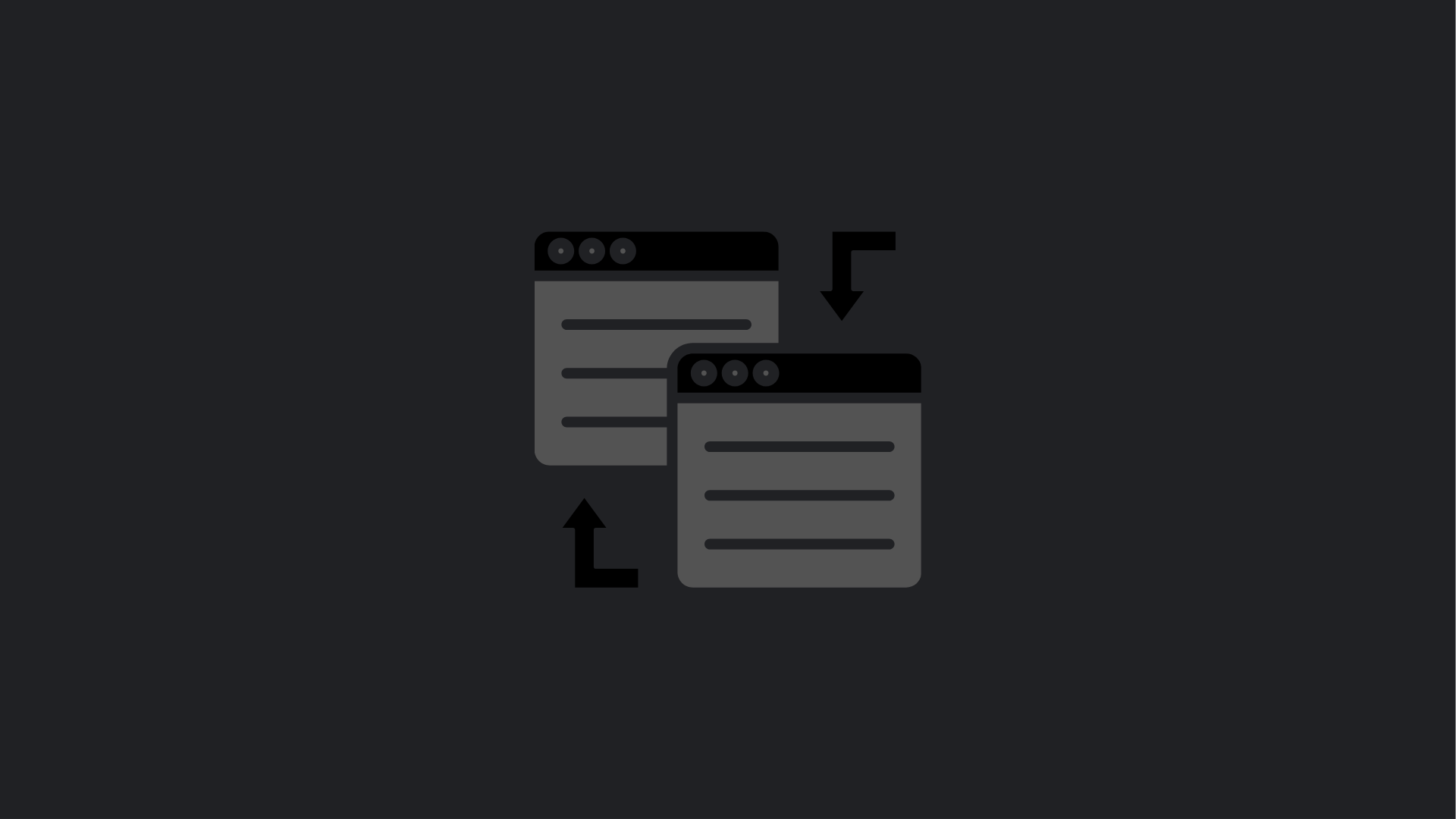
Reverse Tabnabbing Exploitation
Vulnerability
Vulnerability Type: Reverse Tabnabbing
Reverse Tabnabbing occurs when a website uses:
target="_blank"without:
rel="noopener noreferrer"This allows the newly opened page to access:
window.openerand potentially manipulate the original browser window.
Affected Elements
External links that open a new browser tab without:
rel="noopener noreferrer"Example vulnerable implementation:
<a href="https://external-site.com" target="_blank">
External Link
</a>
Steps to Exploit
- The user clicks an external link that opens in a new tab.
- The attacker-controlled website receives access to the opener window.
- The attacker executes:
window.opener.location = "https://phishing-site.com";- The original browser tab is redirected to a malicious phishing page.
Impact
This vulnerability may allow attackers to:
- Redirect users to fake login pages.
- Perform credential phishing attacks.
- Manipulate browser navigation.
- Abuse user trust in the original website.
Business Impact
Possible consequences include:
- Credential theft through phishing pages.
- Reduced user confidence.
- Increased risk of social engineering attacks.
Recommendations & Mitigation
Add noopener Protection
Update all external links using:
rel="noopener noreferrer"Example secure implementation:
<a
href="https://external-site.com"
target="_blank"
rel="noopener noreferrer">
External Link
</a>
Review External Links
Audit all website components that use:
target="_blank"Ensure proper security attributes are applied.
Implement Security Headers
Recommended additional security improvements:
- Content-Security-Policy (CSP)
- Referrer-Policy
- X-Content-Type-Options
Proof of Concept (PoC) Evidence
The Proof of Concept demonstrates:
✅ Phase 1: Opens the target website in a new browser tab.
✅ Phase 2: Uses the opener relationship created by insecure external links.
✅ Phase 3: Attempts to modify the original browser window location.
✅ Phase 4: Redirects the user toward a phishing page.
PoC Example:
https://attacker-rt.robertquintero.me/poc.html?target=https://target.robertquintero.me/Conclusion
The assessment identified a Reverse Tabnabbing vulnerability caused by insecure handling of external links.
While this vulnerability does not directly compromise the application server, it can be used to perform phishing attacks by manipulating browser navigation.
Applying rel="noopener noreferrer" to external links is recommended to prevent exploitation.